
Mobile Printing
You can send print jobs to any FCDL location from your computer, smartphone, or tablet. Print jobs can be picked up during normal operating hours.
Printing from Your Phone, Tablet, or Laptop
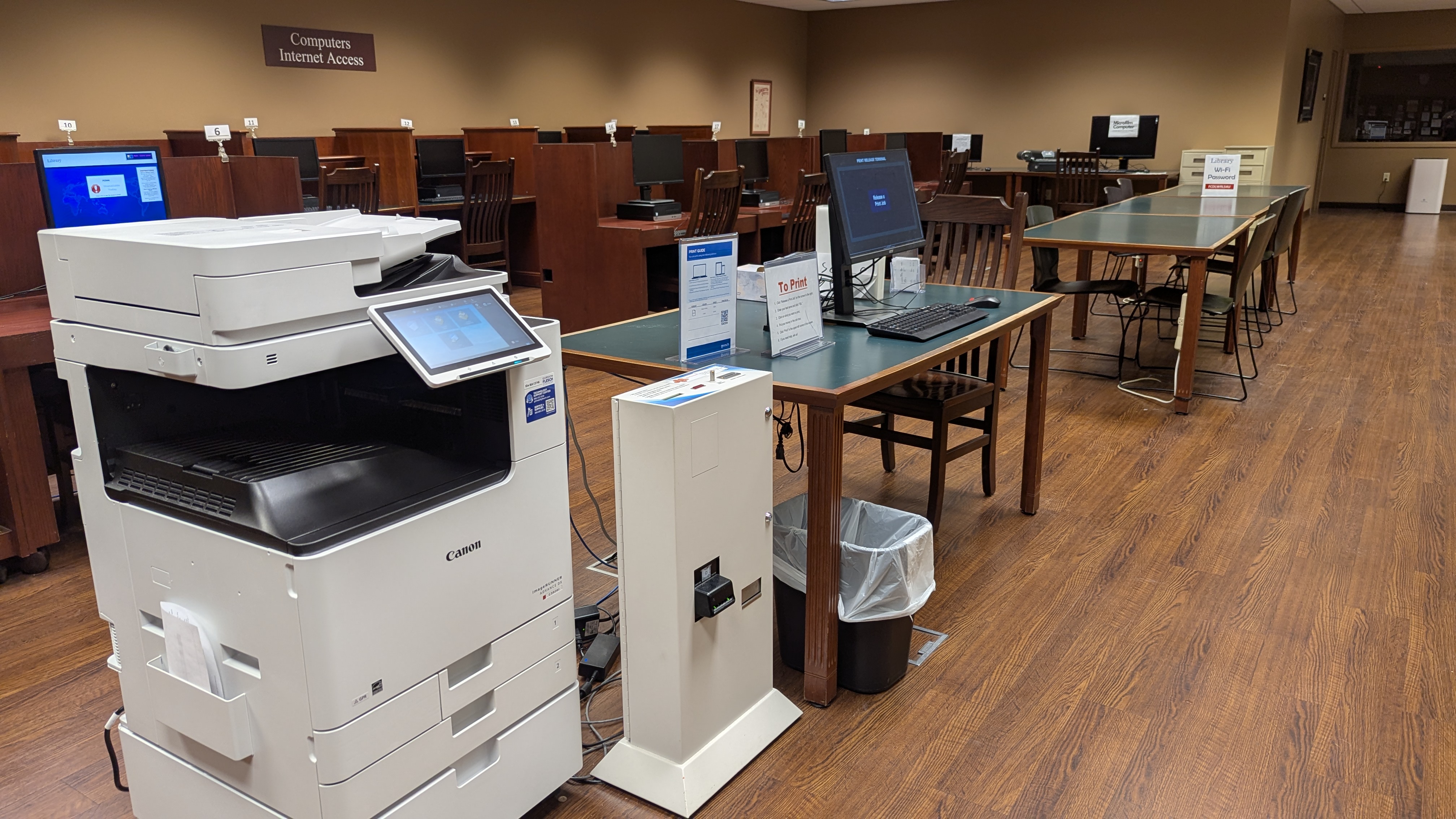
When printing at the library, find the instructions next to the printer and scan the QR code.
* When printing from home, click on the link for your branch.
* Main | Baltimore | Bremen | Johns | Northwest
Upload your document(s) and adjust the print settings.
Accept the terms and click “Continue.”
Enter your email address and click “Ok.”
When the next screen says “Ready,” go to the Print Release Station and use your email address to pick up your print job.
Prices:
Black & White: 10 cents per page
Color: 40 cents per page
Printer IDs:
Main: 108394
Baltimore: 108391
Bremen: 108392
Johns: 108393
Northwest: 108395